
5 Powerful Facts About AI Context Windows and What They Forget
You have been working with an AI coding assistant for an hour. You carefully explained your project architecture, shared your database schema, and established coding conventions. Everything was going smoothly until the assistant suggested code that violated your architectural rules and used a library you explicitly asked it to avoid.
Why did that happen? Did the AI ignore your instructions, or did it lose track of the earlier conversation?
One possible reason is the AI context window. Understanding how a context window works, what it can hold, and what happens when it reaches its limits is essential for anyone building AI-powered applications. It also helps explain why even capable AI models can sometimes produce inconsistent answers.
1. What Is a Context Window in AI?
Think of a context window as an AI model’s working space. It holds the information the model can process while generating a response to a particular request. Unlike a permanent memory, this space has a defined capacity, measured in tokens.
Depending on the application, the context window may contain system instructions, your current prompt, previous conversation messages, relevant code snippets, retrieved documents, and other information supplied to the model. The model uses this available context to understand what you are asking and generate its next response.
For example, if an AI assistant is helping you debug a Next.js application, it may need your error message, the relevant source files, your database schema, and the decisions made earlier in the conversation. The more information the application includes, the more of the available context capacity it consumes.
The important distinction is that the model can only work with the information made available to it in the current request. Having discussed something earlier does not guarantee that the same information will remain available in every later request.
2. Tokens: What Fills an AI Context Window?
An AI context window is measured in tokens rather than ordinary words or characters. Tokens are the units of text that a language model processes. A token can represent a complete word, part of a word, punctuation, or a programming symbol. The exact breakdown depends on the tokenizer used by the model.
Consider the following JavaScript statement:
const getUserData = async () => {};
A person may read it as one short line of code, but a tokenizer divides it into multiple tokens. Identifiers such as getUserData may be split into smaller pieces, while punctuation and operators can also contribute to the total token count. This is one reason code-heavy prompts can consume context differently from ordinary conversations.
As a rough illustration, English text often uses around 1.3 tokens per word, although this varies considerably with the text and tokenizer. Technical documentation, unusual identifiers, source code, and multilingual content may have different token-to-word ratios.
When building an AI application, developers need to account for more than the length of a user’s question. Instructions, conversation history, retrieved content, and the requested response all matter when determining whether a request fits within the model’s limits.
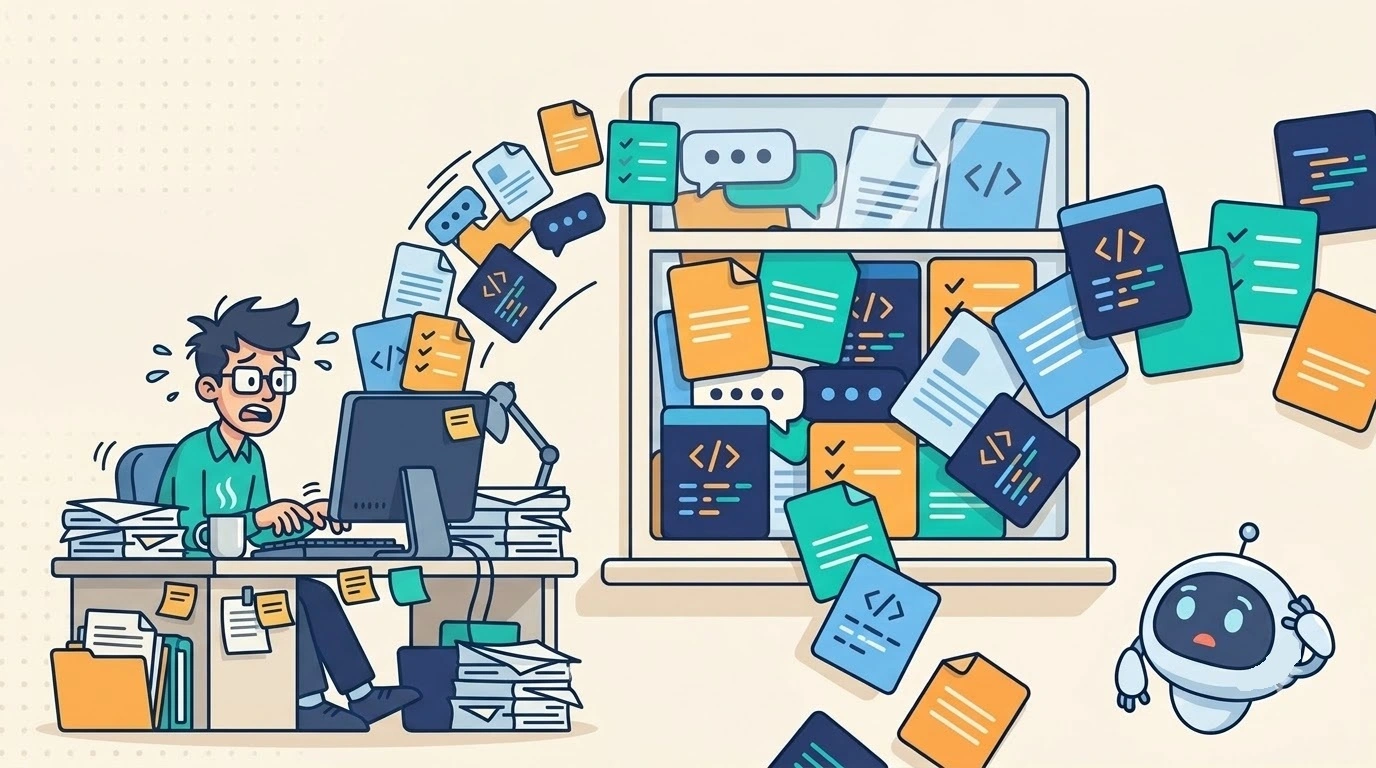
3. What Happens When the Context Window Is Full?
When the information supplied to an AI model approaches its context limit, the surrounding application must manage the available space. The exact behavior depends on the model, API, and application design.
Some applications truncate older conversation messages or remove information that is no longer considered relevant. Others summarize earlier conversations, preserving key decisions and facts in a shorter representation. This saves space, but a summary may omit a subtle requirement or technical detail that becomes important later.
A request can also fail if the combined input and requested output exceed the model’s permitted context capacity. In this case, the application may need to shorten the input, reduce the requested output length, or restructure the request before trying again.
This explains why an AI assistant might stop following an instruction that appeared much earlier in a lengthy conversation. The instruction may have been removed, summarized incompletely, or simply become difficult for the model to use effectively among many other details. The model does not necessarily forget in the human sense; the information available to it may have changed.
4. Context vs. Memory vs. Training Data
| Concept | What It Is | Lifetime | Example |
|---|---|---|---|
| Context | Information available for the current request | Current request | Error log and recent chat history |
| Memory | Information stored externally for future use | Persistent, depending on storage | User preferences saved in a database |
| Training Data | Data used to train the model | Learned parameters change through training or updates | Knowledge of programming concepts such as Next.js or Python |
Context, memory, and training data are related to how AI systems use information, but they serve different purposes. Understanding the difference is especially important when designing applications that need to maintain continuity across multiple conversations.
Context is the information available to the model for its current request. It may include the latest prompt, earlier messages, system instructions, and documents retrieved by the application. Its immediate purpose is to help the model generate a relevant response.
Memory refers to information stored and made available for future use. An application might save a user’s preferences, project requirements, or important decisions in a database and retrieve them when needed. Memory is not necessarily part of the model itself; the application can store information externally and add relevant details to a later request.
Training data is the data used during model training to develop the model’s learned parameters. It contributes to the model’s general capabilities and learned patterns. It is different from the live conversation context and does not automatically update whenever you tell an AI something new.
For example, imagine you tell an AI assistant that your project uses PostgreSQL and that all API responses must follow a particular format. Those details can be included in the current context. If your application stores the preferences and retrieves them in a future session, they can function as persistent memory. Neither action means the model has been retrained on your conversation.
This distinction matters because an application that needs reliable long-term continuity cannot assume that a larger context window alone will provide persistent memory.
5. Why a Larger Context Window Does Not Solve Everything
A larger context window allows a model to process more information in a single request, which can be useful when working with lengthy documents, large codebases, or complex instructions. However, more capacity does not automatically guarantee more accurate answers.
One challenge is that relevant information can become harder to use when it is buried in a large amount of surrounding text. Research on the “Lost in the Middle” effect has shown that language models can perform less reliably when relevant information appears in the middle of long contexts, compared with when it appears in more accessible positions. The effect varies across models and tasks, but it highlights an important limitation: fitting information into a context window does not guarantee that the model will use it correctly.
Another challenge is instruction dilution. A prompt containing many documents, repeated explanations, outdated requirements, and contradictory directions can make it harder for the model to identify the information that matters most. A larger context can accommodate more information, but it can also accommodate more irrelevant information.
There are practical considerations as well. Processing longer inputs can increase token usage, latency, and cost, depending on the model and service pricing. For applications that handle many requests, these differences can have a meaningful impact on performance and operating expenses.
The goal should not simply be to provide the maximum amount of context possible. It should be to provide the most useful information for the task at hand.
6. How Context Windows Work in Real AI Applications
Context management becomes particularly important when building AI coding assistants and document question-answering systems. In both cases, the application may have access to far more information than it should send to the model for every request.
Consider an AI coding assistant working with a large software repository. Sending every file, configuration, dependency, and historical discussion with each request can be inefficient and may exceed practical context limits. A better approach is to identify the files, functions, types, and project instructions relevant to the current task, then provide those details to the model.
Depending on the tool, this selection process might use repository search, syntax-aware code analysis, metadata, or vector embeddings. The goal is to help the model focus on the part of the codebase most relevant to the developer’s question.
A similar approach is used in document question-answering systems through Retrieval-Augmented Generation (RAG). Imagine an application that answers questions about hundreds of pages of product documentation. Instead of including every page in each prompt, it searches the document collection, retrieves relevant passages, and adds those passages to the model’s context.
The model then generates an answer using the question and the retrieved information. The quality of the result depends partly on whether the retrieval process finds the right material and whether the model interprets it correctly.
These examples illustrate a broader engineering principle: reliable AI applications often need a system around the model to select, organize, and supply information. The model is only one part of the overall solution.
7. How Developers Can Manage Context Effectively
Good context management begins with clear instructions. System prompts should explain the model’s role, constraints, and expected output without unnecessary repetition. Important requirements should be stated explicitly, particularly when they affect security, data handling, architecture, or the correctness of the result.
Developers should also select relevant information instead of automatically including everything available. An AI coding assistant may need three source files and a configuration snippet rather than an entire repository. A document assistant may need a handful of relevant passages rather than a complete library of documents.
For long-running conversations, summarization can help preserve important details while reducing the amount of context required. A useful summary should retain decisions, constraints, unresolved issues, and relevant project state rather than merely providing a general recap. The application should also update summaries when requirements change, so outdated information does not continue influencing later responses.
Token usage deserves attention during implementation and testing. Developers should account for system instructions, user messages, conversation history, retrieved documents, and the response budget. Leaving sufficient capacity for the model’s output can help prevent requests from exceeding the applicable limits.
Finally, test realistic scenarios, including lengthy conversations, conflicting instructions, large documents, and requests that require details from earlier interactions. Short prompts may work perfectly while revealing little about how the application behaves under sustained use. Testing these edge cases helps developers identify where information is being lost, omitted, or incorrectly prioritized.
Conclusion: Better Context Leads to More Reliable AI
When an AI assistant loses track of a coding decision or produces an answer that contradicts an earlier requirement, the problem is not necessarily a lack of model intelligence. The information may no longer be present in the current context, the application may have summarized it poorly, or the model may have struggled to identify the relevant details among a large amount of input.
Understanding the AI context window helps developers make better decisions about prompts, token budgets, memory, retrieval, and application architecture. A larger context window can be useful, but reliability depends on more than capacity. It requires giving the model the right information, in the right form, at the right time.
For anyone building AI-powered products, context management is an important part of engineering a dependable user experience. It can influence answer quality, operating costs, response times, and the ability to maintain continuity across interactions.
Let’s Connect
Have a question, an idea to discuss, or a project you’d like to explore? Whether you’re looking for technical guidance, exploring an AI-powered solution, or simply want to connect, we’d be happy to hear from you.